Shared Calendar
The shared Calendar shows the current draft or published week for everyone who can log in.
How to get here: Click Calendar in the main navigation (top bar on desktop, bottom bar on phone). This is the site-wide calendar — not the personal Calendar button on the Host dashboard.
Managers can open the Schedule Builder from Edit on this page when viewing a week or day.
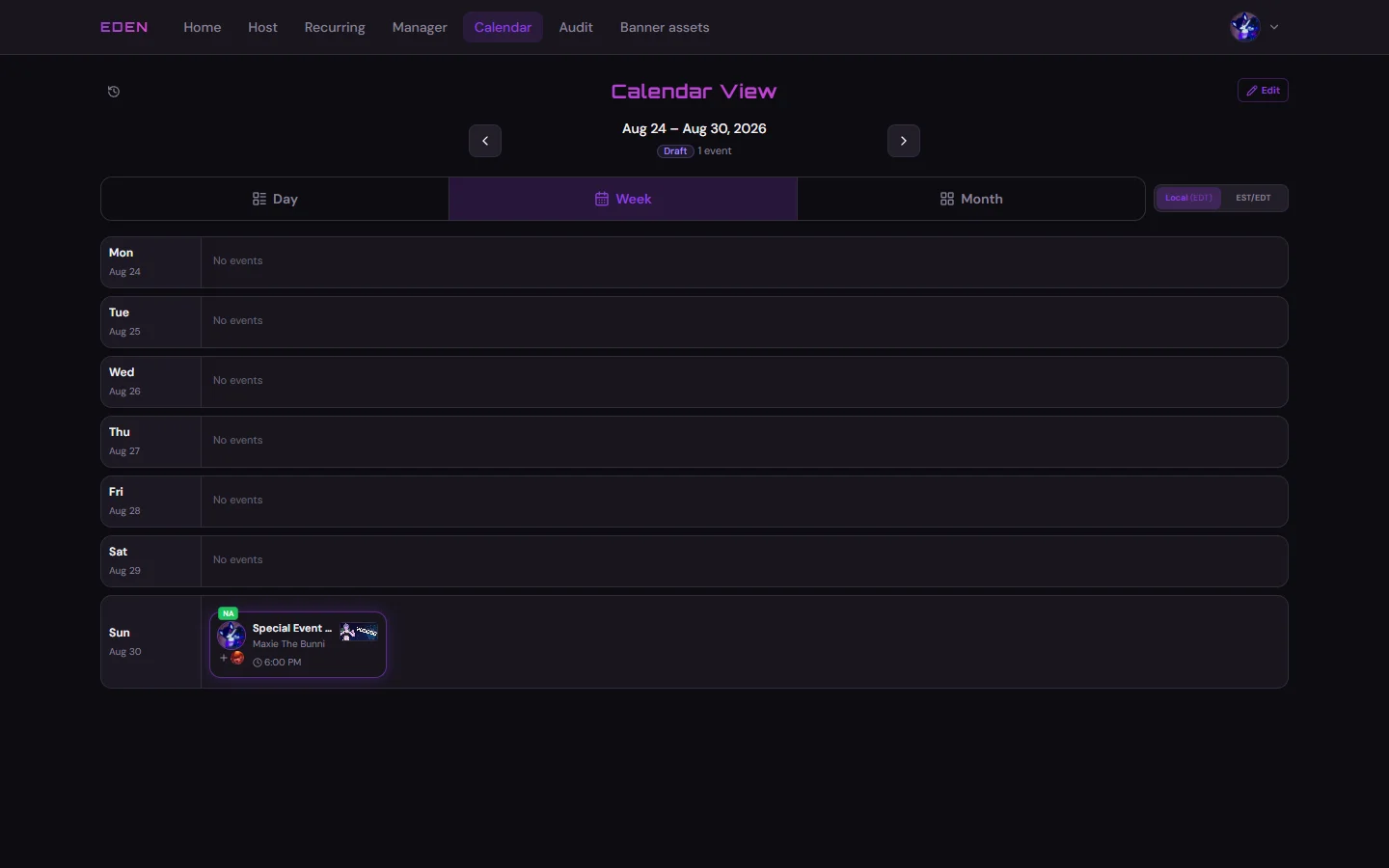
Week View — Draft
A mostly empty draft week before events are placed.
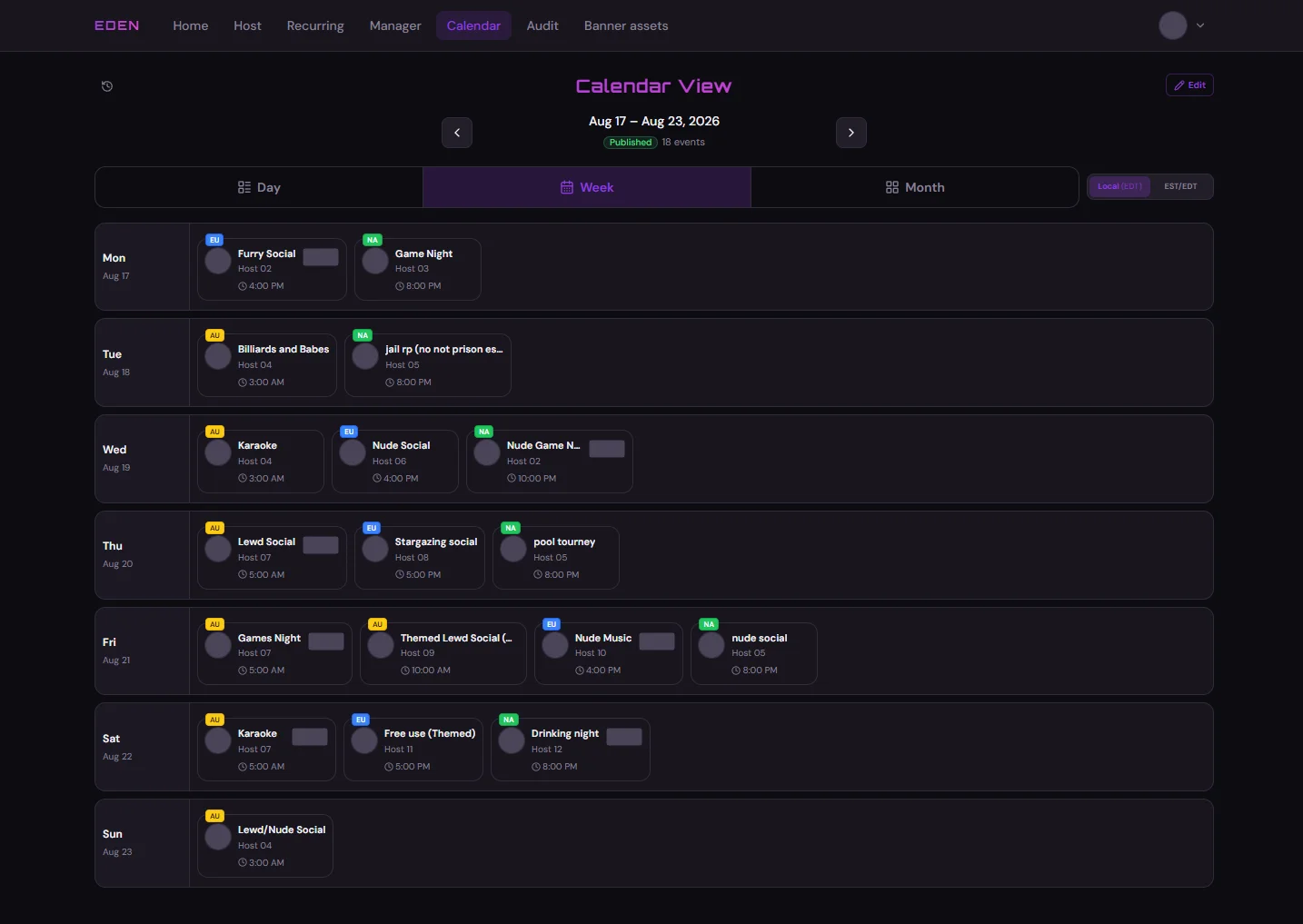
Week View — Published
A published week with events across the grid.
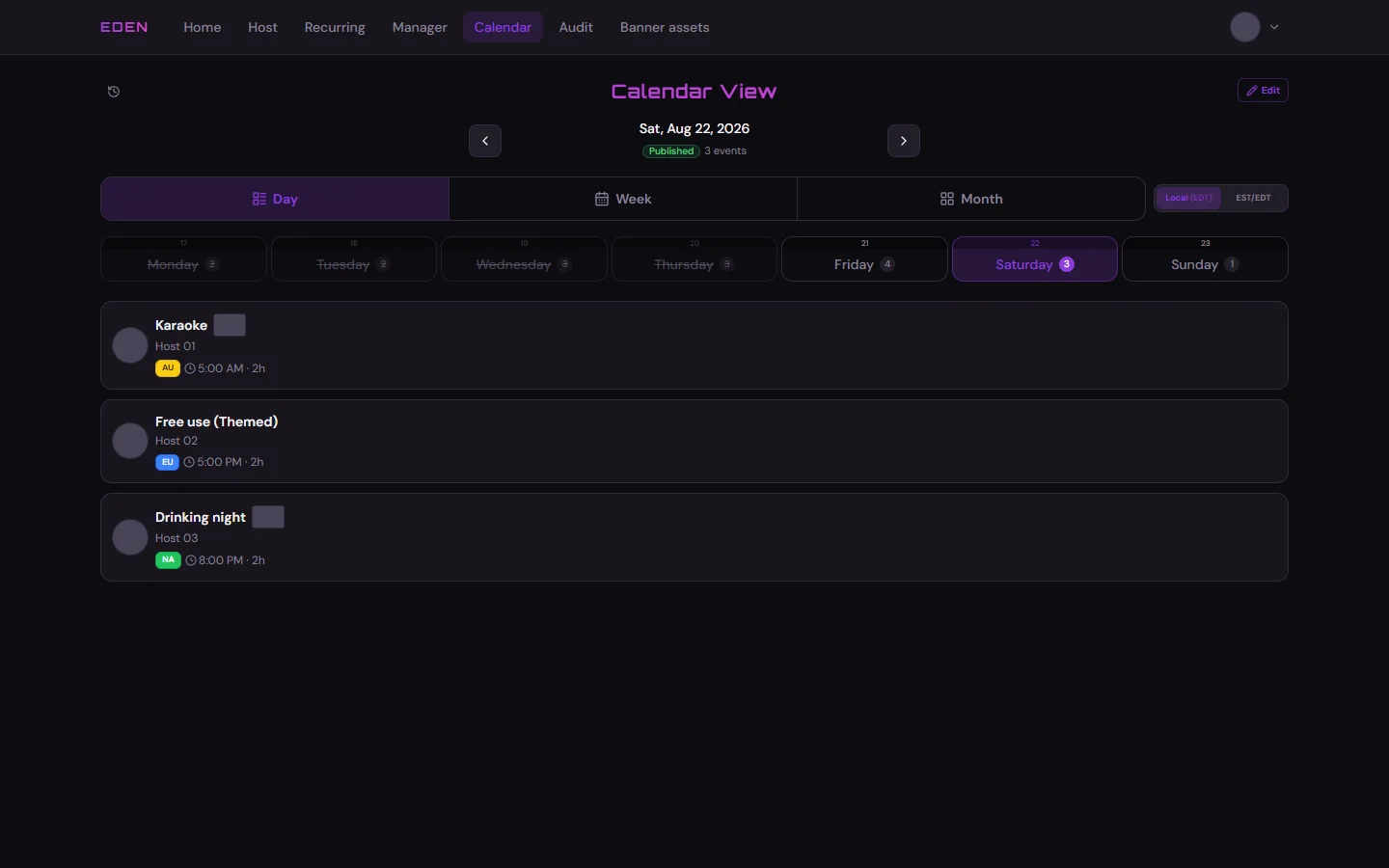
Day View
Useful for seeing everything on a single day.
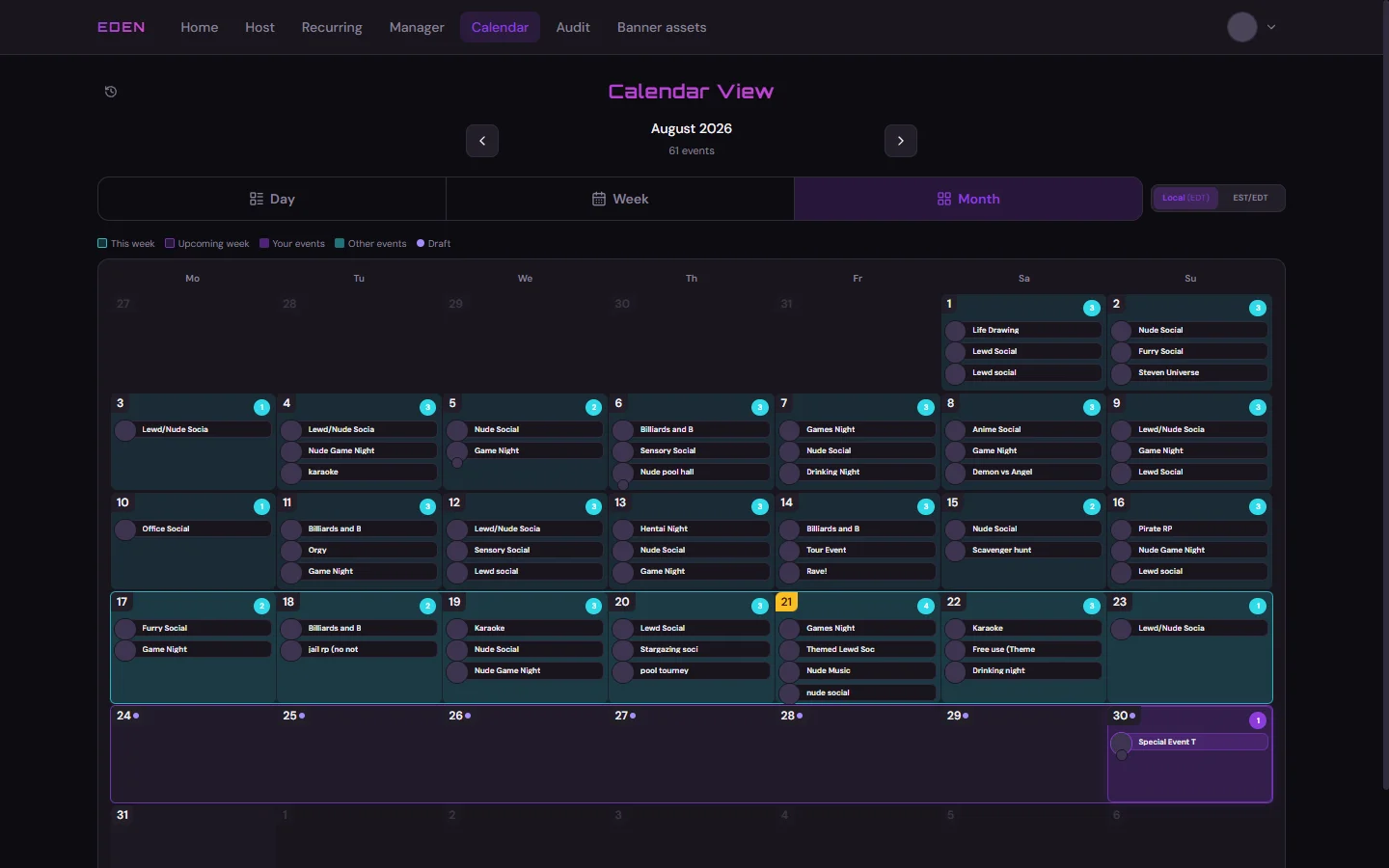
Month View
Overview of the whole month at a glance.
Hosts can also use the Host Calendar for a personal Events vs Availability split.