Schedule Builder
Build the weekly grid: host → availability slot → event type → region (NA / EU / AU), with up to two co-hosts optional.
How to get here: Manager dashboard → Open Schedule Builder for this week, or Calendar → Edit (managers).
On the Page
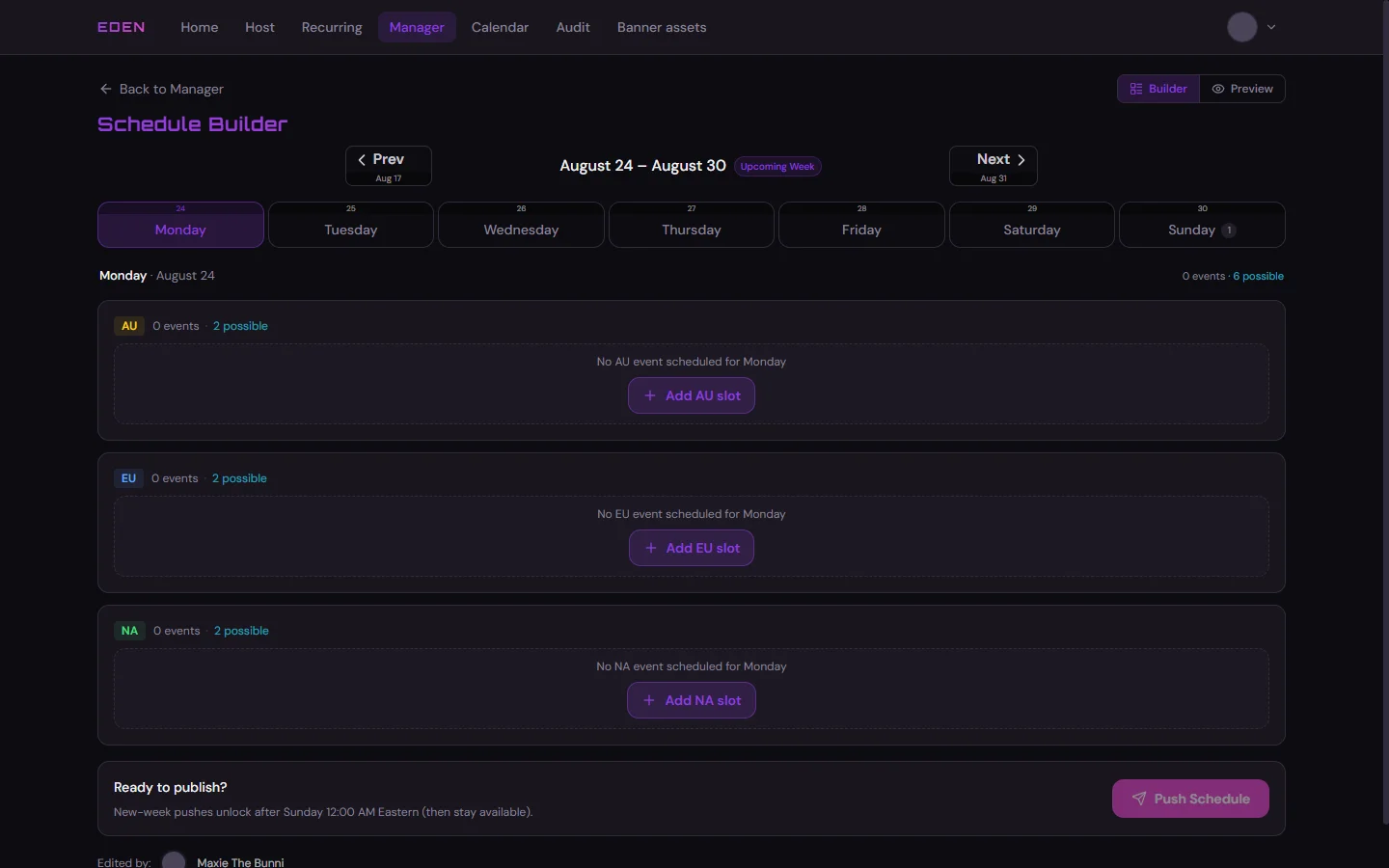
- Week selector and Builder / Preview toggle (Preview is read-only).
- Day tabs — pick the day; past days are muted and cannot get new slots.
- AU / EU / NA panels — each region for that day; Add … slot opens the drawer.
N events · M possible— placed events vs hosts still schedulable (under quota, no time clash).
Adding a Slot
Workflow
- Day + regionTab → Add AU, EU, or NA slot
- HostWho submitted availability that day
- TimeFrom their slots · conflicts greyed out
- Event typeSuggested chips or type a name
- Add EventOptional VR/Discord, Patreon, co-hosts
Add Event stays disabled until host, time, and a valid event type are set. The builder only shows hosts and times from live Host Availability — check the Manager Dashboard if someone is missing.

Placed events show on the grid with Edit / Delete. Same drawer for edits.
Before You Push
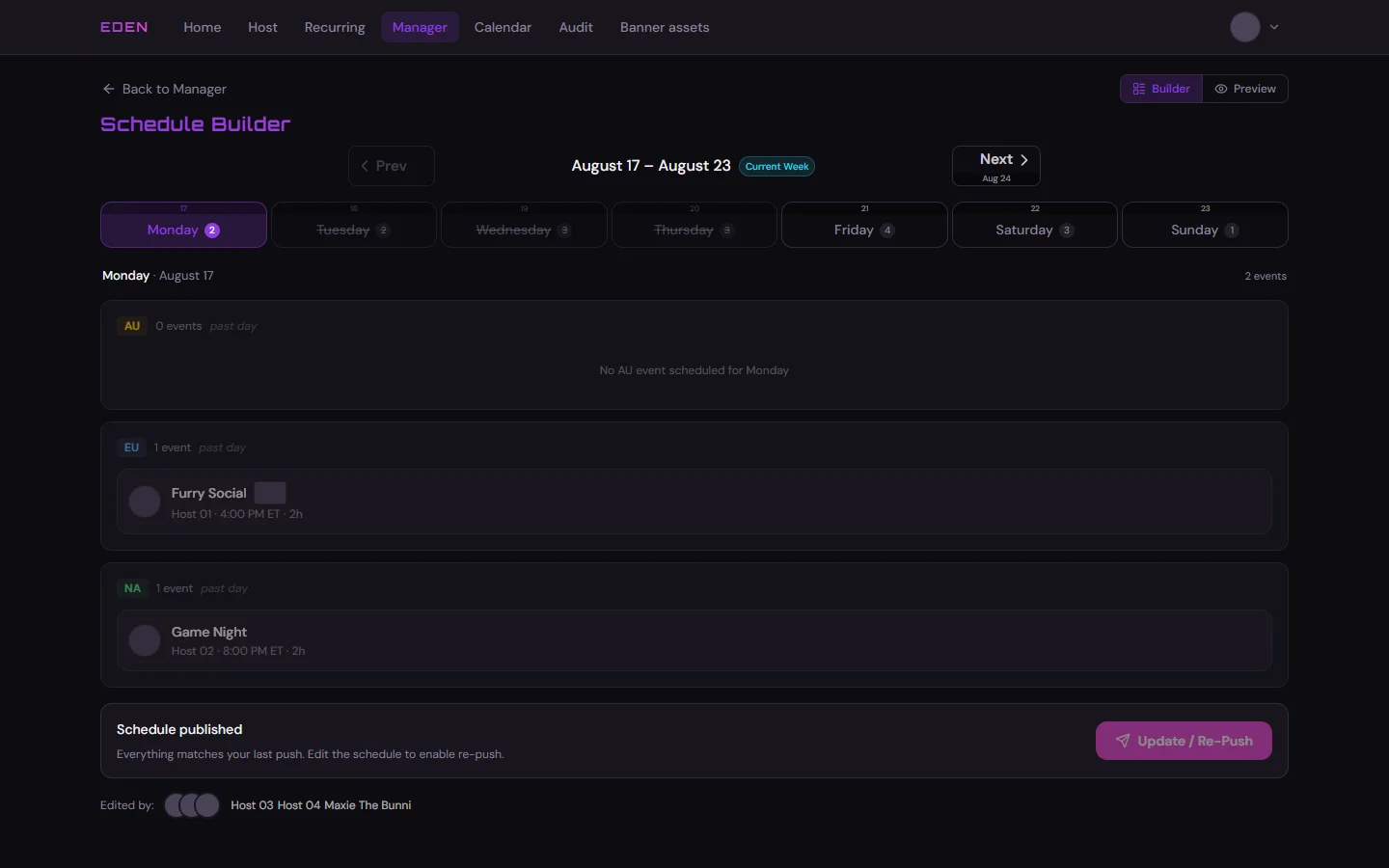
Fix highlighted problems first — Push stays disabled until they are gone:
- Availability conflict — host removed that day’s availability after assignment.
- Missing event type — host deleted or renamed a type still on the grid.
!on a card — Discord Scheduled Event was removed manually; re-push after the grid is correct.
Push (Publish)
- Build gridAssign hosts on the builder
- Fix warningsResolve conflicts first
- PushDiscord + listings
@Event Committee Push publishes the week (replaces the old Sunday paste) to staff + public Discord, Discord Scheduled Events, GitHub Gist, and website listings.
When Push works
- First publish: after Sunday 12:00 AM Eastern for that week, then anytime.
- Draft, no blockers: Push Schedule.
- Already published, with edits: Update / Re-Push (amber card lists what changed).
- Already published, no edits: disabled until you change the grid.
- One publish at a time portal-wide; 5-minute cooldown after a publish finishes (non-admins).
Publish shows a progress panel — you can keep editing, switch pages, or leave the tab. The job uses the grid from when you clicked Push; changes made during publish need a second re-push after it finishes.