Host Calendar
Your personal calendar on the Host side has two tabs: Events (what you are assigned to host) and Availability (when you said you can host). This page covers both views.
How to get here: On the Host dashboard, click the Calendar button at the top right of the page. This is separate from Calendar in the main navigation, which opens the Shared Calendar for everyone.
Once you are on Host Calendar, switch views with this tab control at the top of the page — Events is purple when active; Availability is cyan when active:
Events Tab
Use Events to see assigned events on a month or day view — “what am I hosting this week?”
Empty Months
By default this view may look empty, until managers assign you, months may show no events.
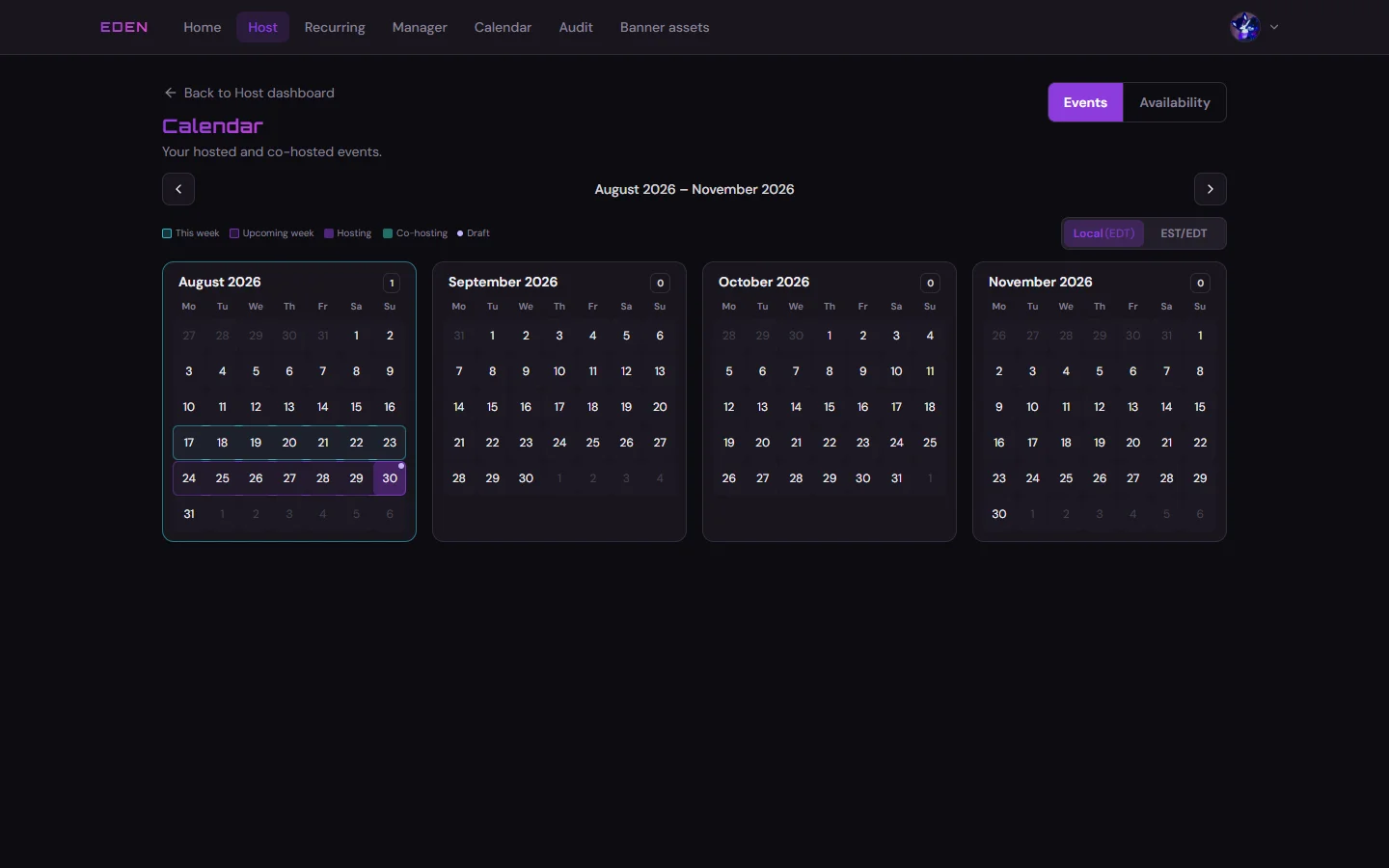
Assigned Events
Once the builder has slots with your name, events appear on the calendar.
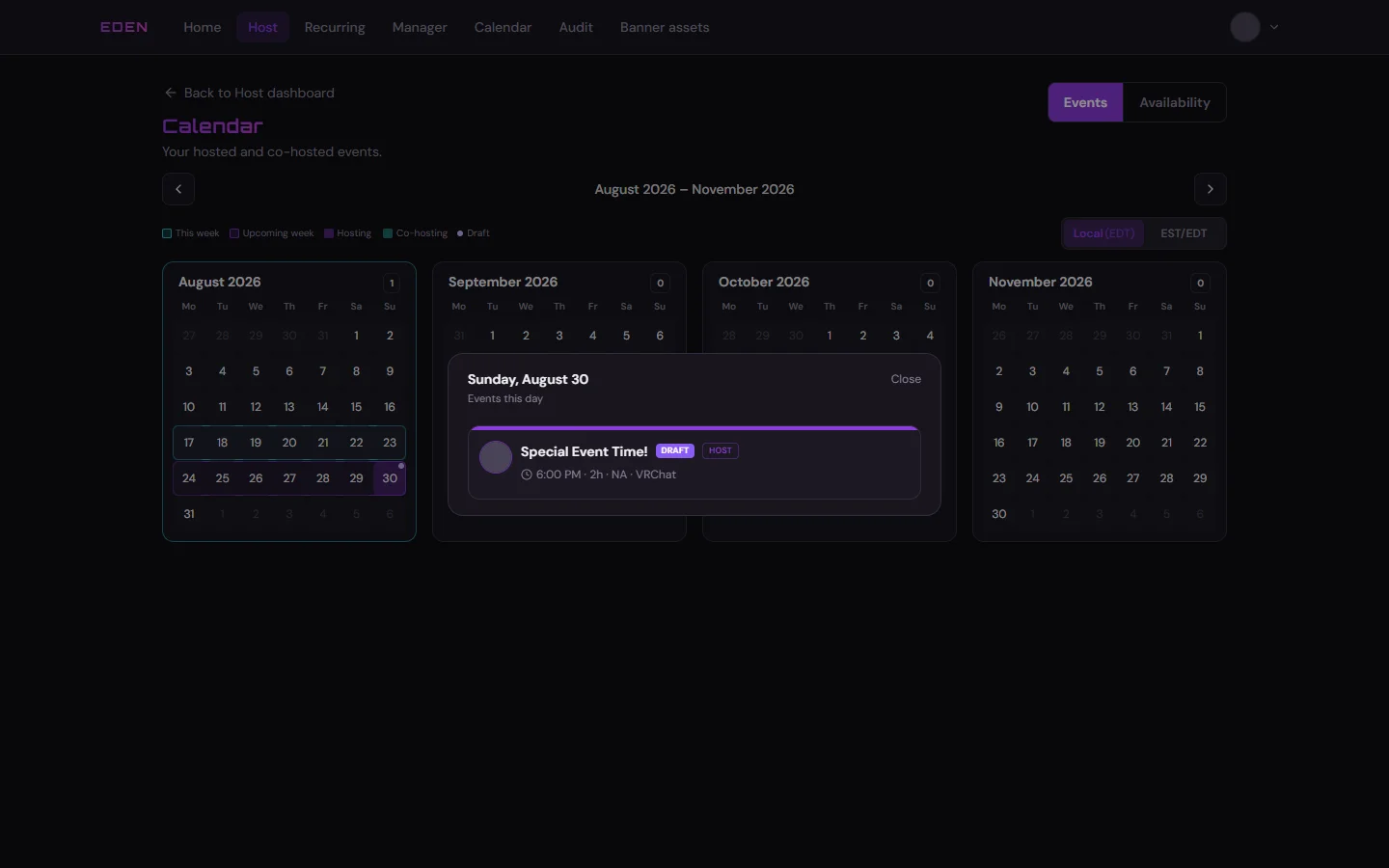
Availability Tab
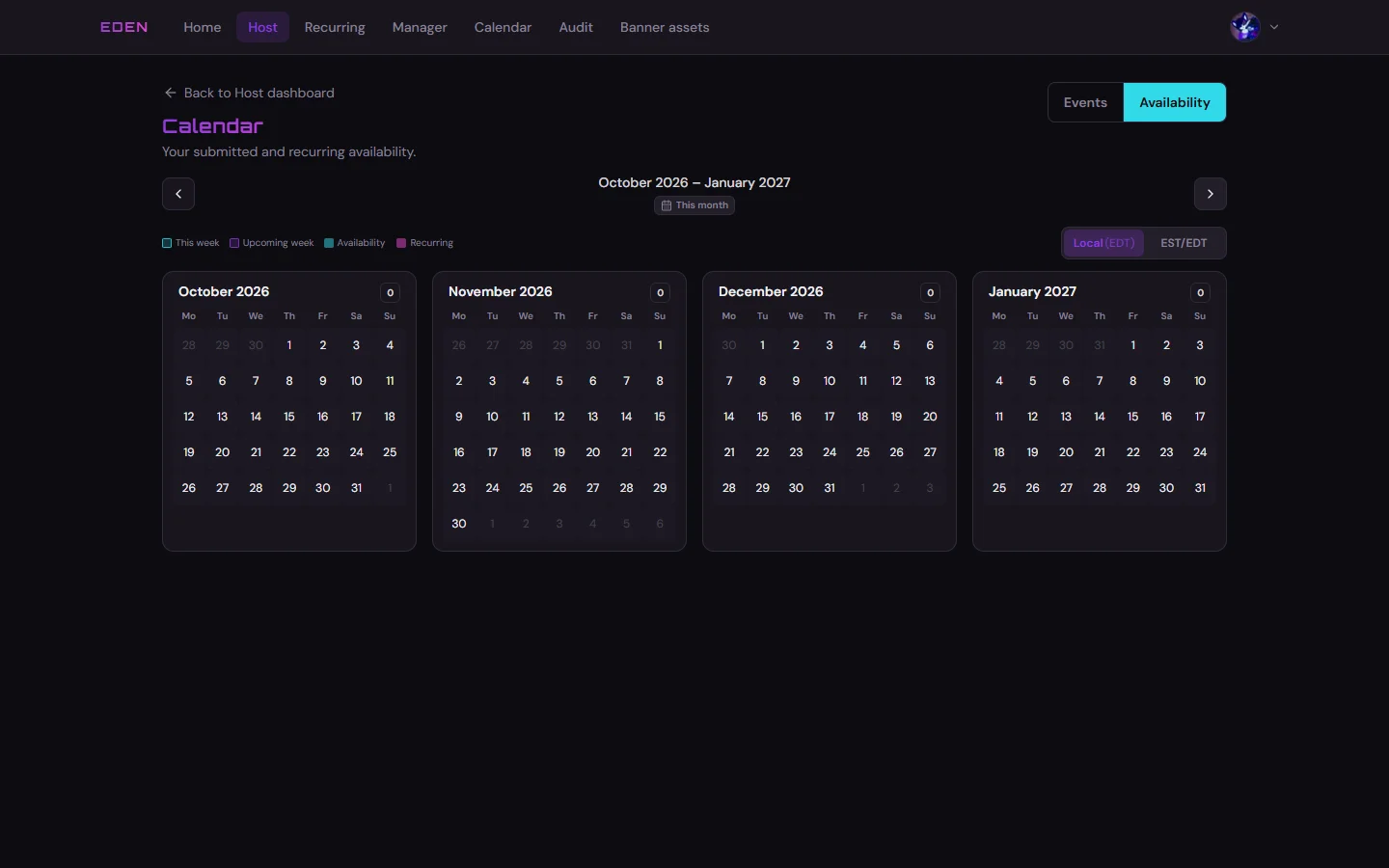
Switch to the Availability tab at the top of the host calendar to see which days you submitted and open day details.
Empty Overlay
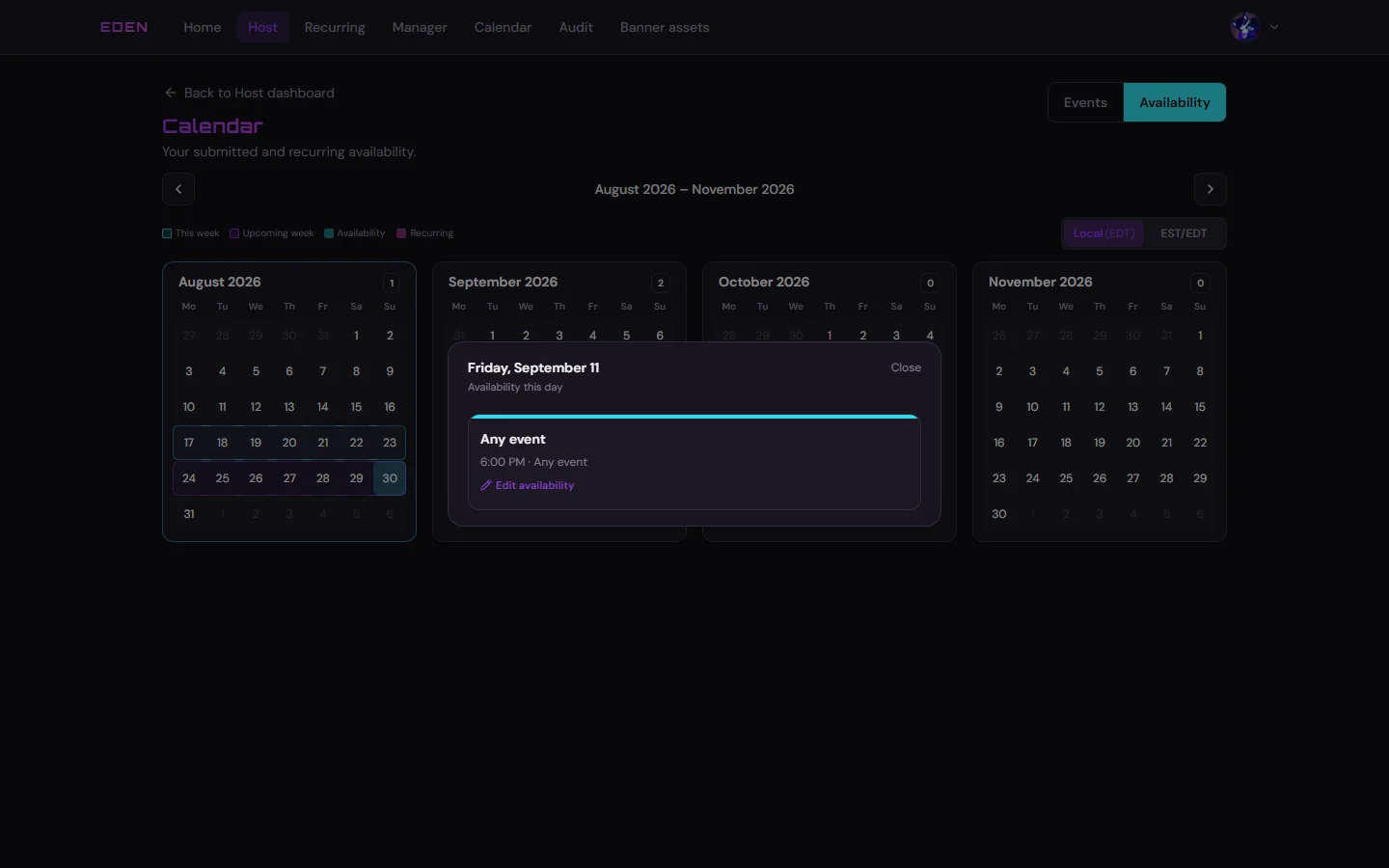
Filled Week
Highlighted days open a detail sheet with your saved slots for that date.
Related
- Edit availability: Host Availability
- Everyone’s published week: Shared Calendar