Audit Log
The Audit Log is for @Event Committee and managers. It records logins, availability changes, publishes, banner / event-type updates, and other scheduler actions — so hosts do not need to ping Committee when they edit availability in the portal.

How to get here: Click Audit in the main navigation. Only manager and admin roles see this link.
Recent Activity
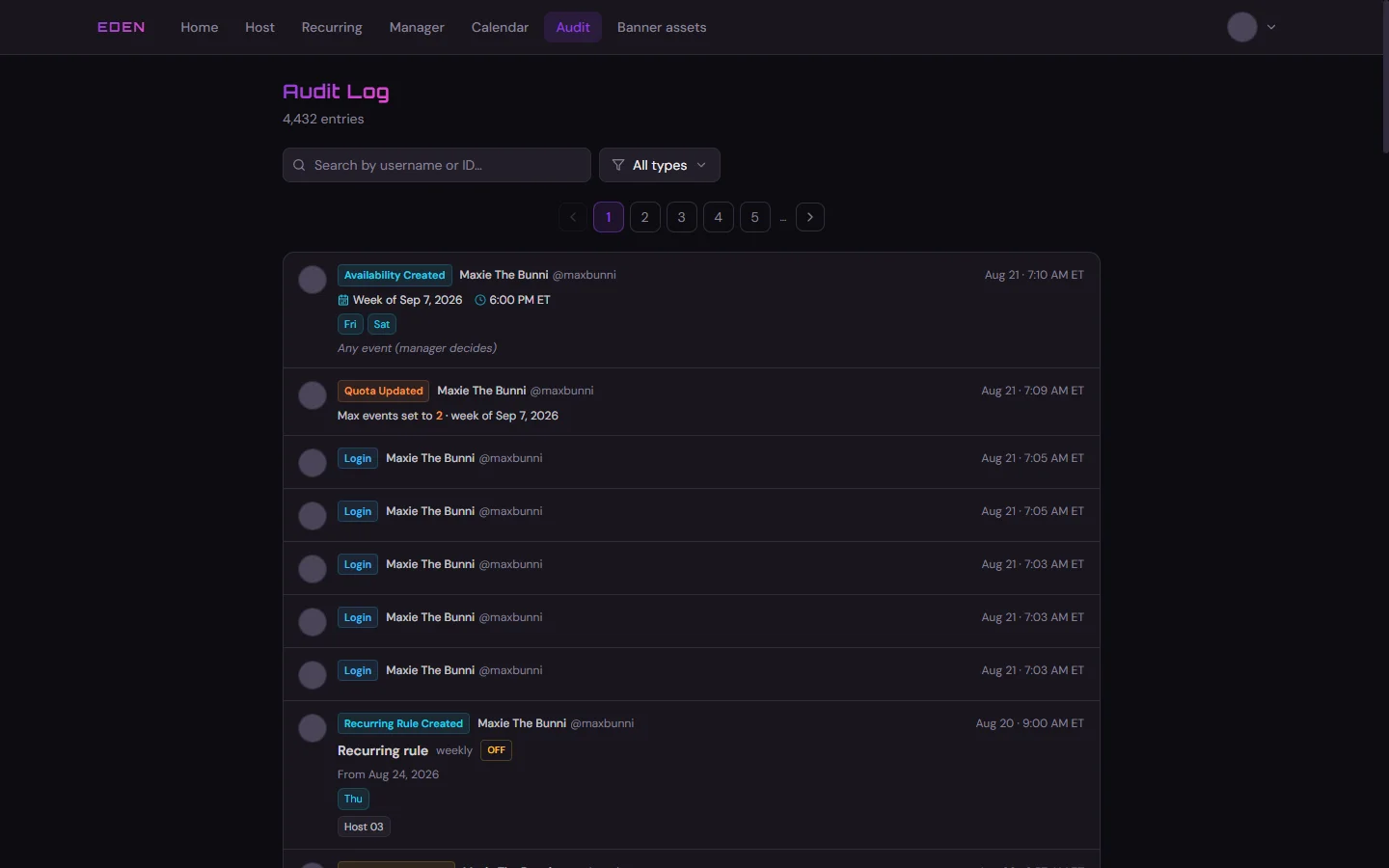
Filter by Availability
Open the type filter and choose the Availability group to see only availability edits.
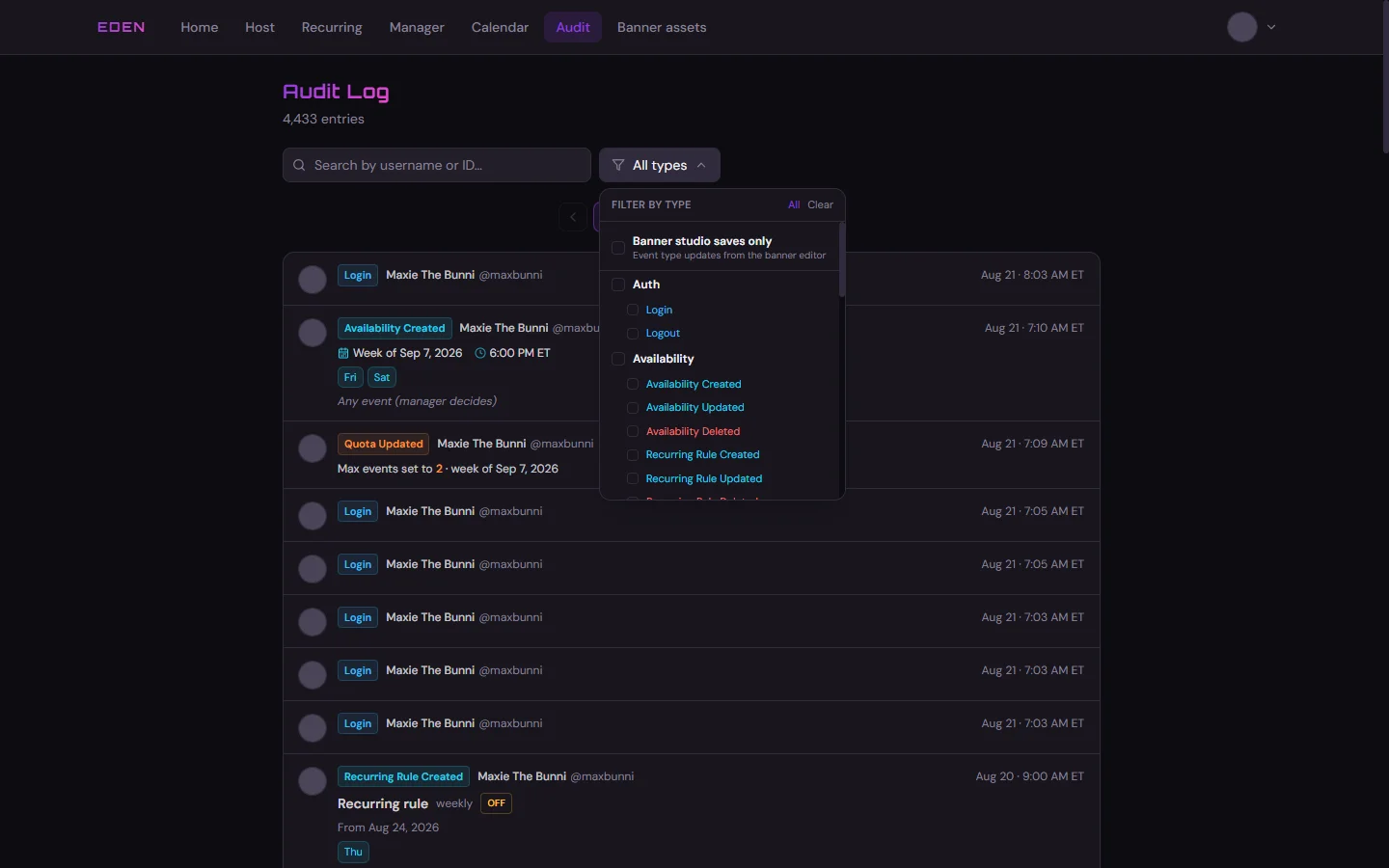
Replaces Discord pings
When a host updates slots before lock, managers can review changes here instead of relying on edited Discord messages in 📆event-scheduling.
Related: Manager Dashboard · Banner Studio