Home
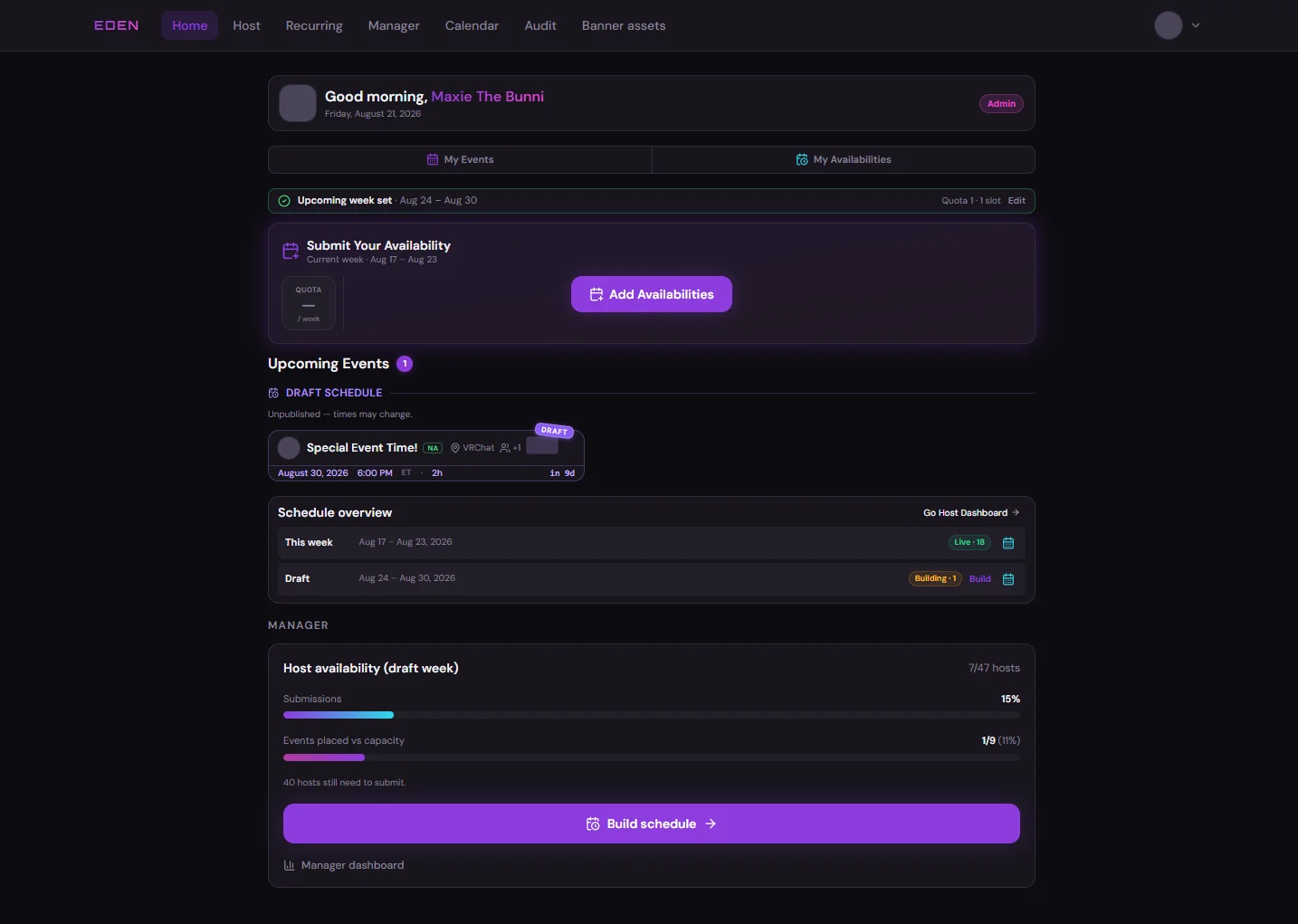
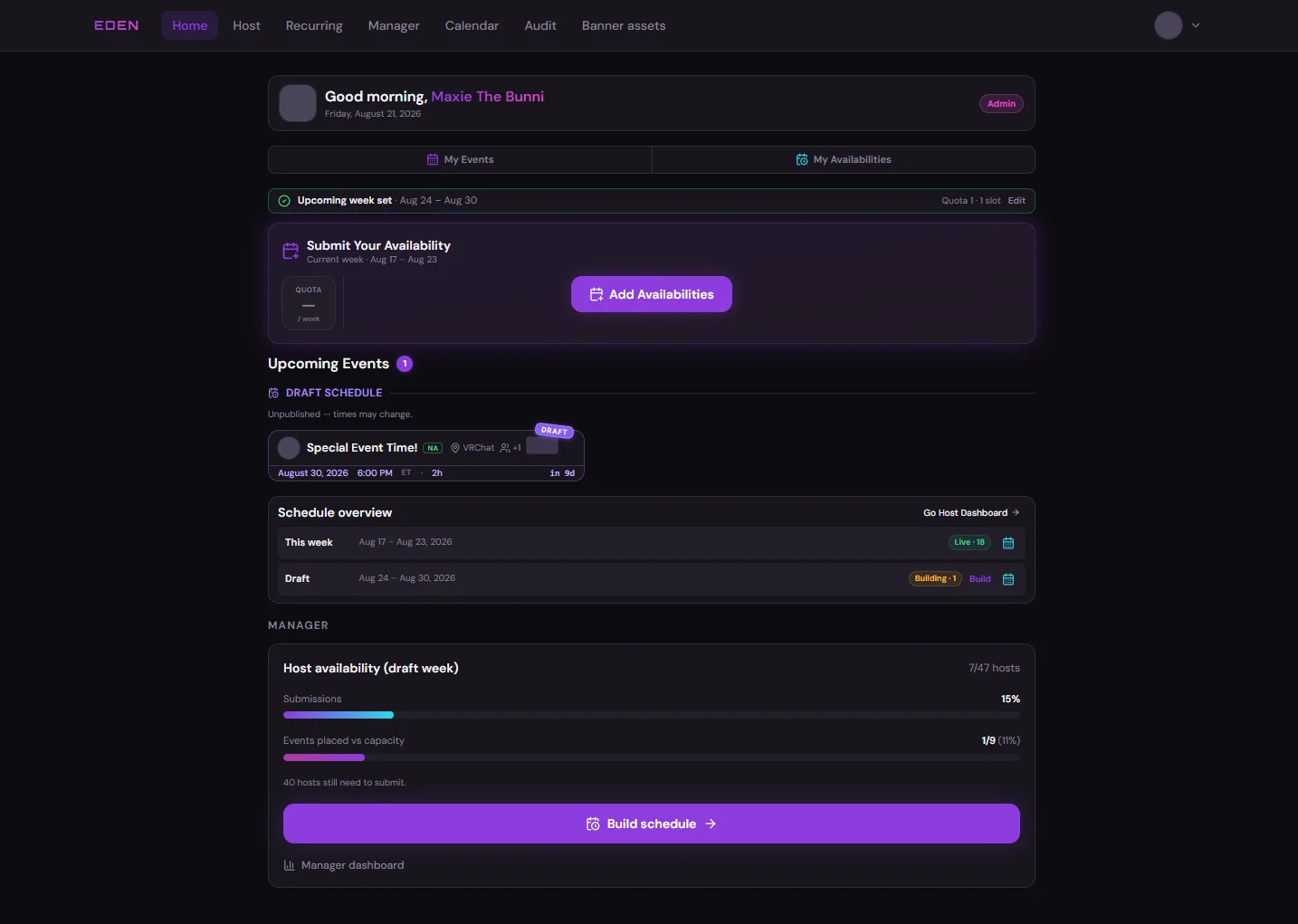
The home page is your landing view after login — click Home in the main navigation (top bar on desktop, bottom bar on phone). It summarizes the current week, whether you still need to submit availability, and any upcoming assigned events.
Before You Submit Availability
When the upcoming week has no submission yet, Home prompts you to add availability.
After the Week Is Live
Once hosts have submitted and managers have started building, Home shows the active week and your upcoming assignments.
What to Do Here
After login
- Check bannerStill need availability?
- Add slotsBanner or Host dashboard
- CalendarShared week view
Committee members also use Manager and Audit in the nav when their role includes those pages.
Next: Host Dashboard