Watchlist
Server and event watchlist entries are created via slash commands. The dashboard is for viewing and managing entries.
Server Watchlist
/watchlistModerator only can use this.
user, reason, use_last_hour (100 msgs) OR message_link (25 before/after), evidence.
Context options — Attach message history to the entry so staff can see what was said:
| Option | What it does |
|---|---|
| use_last_hour | Fetches the last 100 messages in the channel where the command is run. Use when the relevant context is in recent messages. |
| message_link | Fetches 25 messages before and 25 after the linked message. Use when you have a specific message to point to. |
The command is denied when a context option is used and run from a verification ticket, staff channel, or thread under a staff channel (e.g. to avoid attaching sensitive content). Use a different ticket or non-staff channel for context-based entries.
Discord slash commands allow only 1 attachment at a time. For warnings, watchlist, and host discretion: use the dashboard to add up to 50 attachments if you need more evidence.
Event Watchlist
/watchlist-eventSenior Event Team only can use this.
user, reason, evidence, message_link. Event watchlist entry.
| Option | What it does |
|---|---|
| message_link | Fetches 25 messages before and 25 after the linked message. Same restriction: denied when used from a verification ticket, staff channel, or thread under a staff channel. |
Dashboard
Navigate: Mod Logs → switch to Server or Event → Watchlist tab.
Use the + Create Entry button to add entries from the dashboard (when permitted).
Quick access from Discord: Right-click a user → Apps → Watchlist Data → "View Full Details" opens the dashboard.
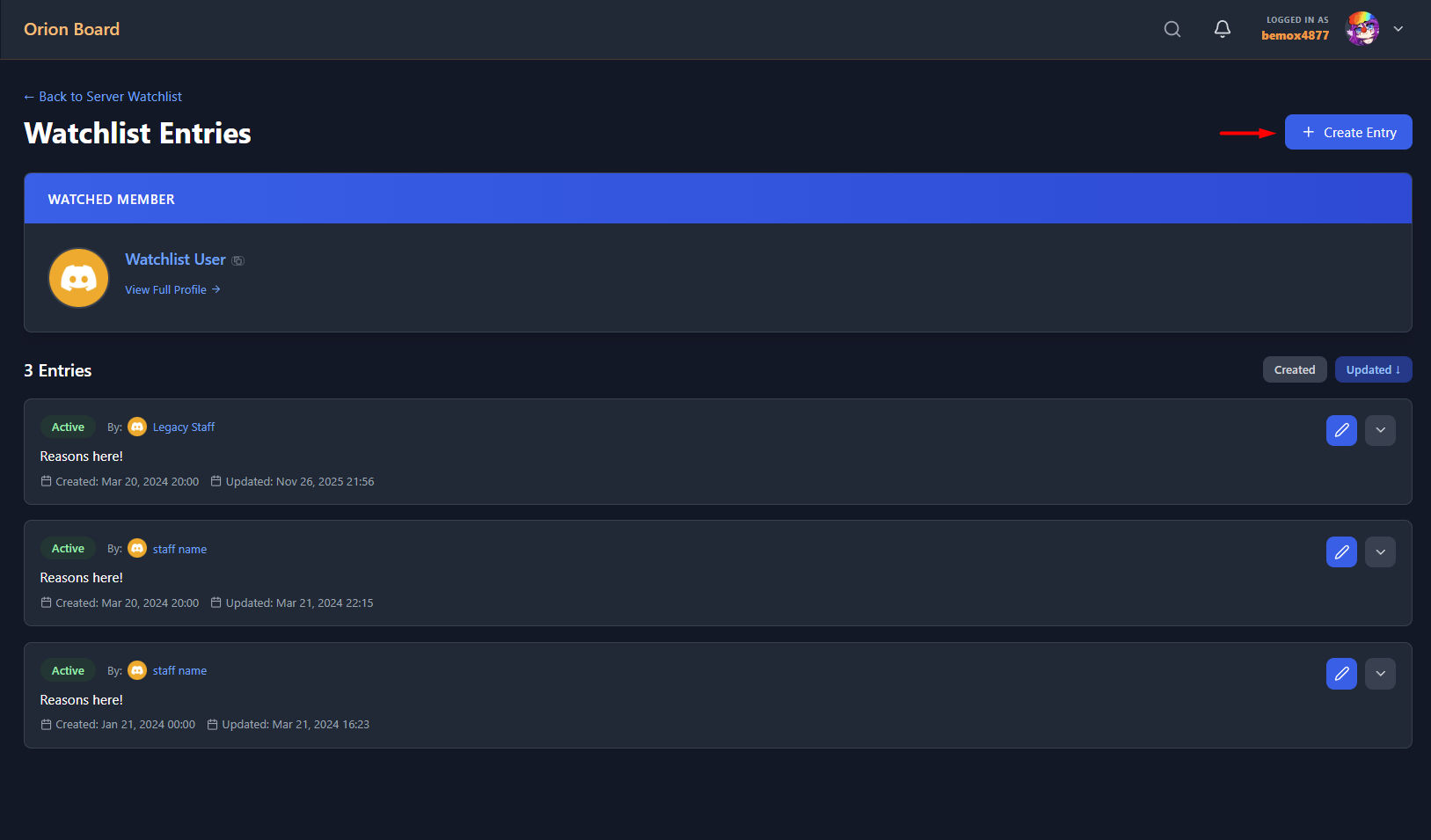
Watchlist entries with Create Entry button.
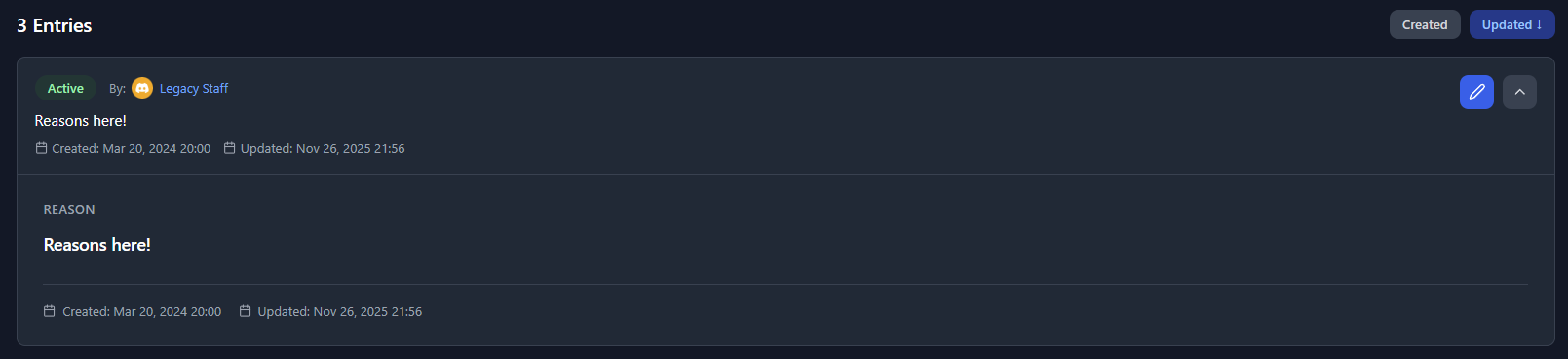
Individual watchlist entry details.